
Portable gas detectors are not just for real-time safety. In many industries, they also serve as proof that monitoring happened. Data logs help during audits, incident investigations, and contractor reporting. When logs are missing or incomplete, safety programs are harder to defend.
This guide explains how to use data logging effectively and how to build a simple workflow around it.
Why data logging matters
Logs show that monitoring was active during a job. They can confirm that alarms occurred, show how long exposure lasted, and provide evidence of compliance. For contractors, logs are often required by clients to verify safe work practices.
What a good log should include
- Date and time stamps
- Gas readings over time
- Alarm events and durations
- Calibration and bump test records
- Device ID and user or team ID
Build a simple log workflow
Data logging only works if it is consistent. Assign a person or role to download logs on a schedule, such as weekly or after major jobs. Store logs in a central folder with a clear naming convention. Review logs monthly to spot trends or recurring alarms.
Use logs for continuous improvement
Logs are more than compliance paperwork. They can reveal repeated low-level alarms, identify areas with poor ventilation, and show which tasks trigger frequent exposure. Use this information to improve procedures and reduce risk.
Define a retention policy
Decide how long to keep logs based on your regulatory and client requirements. A clear retention policy prevents data loss and makes audits easier. Store backups in a secure location.
Export formats and storage
Store logs in a consistent format such as CSV or PDF and keep them in a structured folder system. Standard formats make it easier to search, compare, and share data during audits.
Audit readiness checklist
- Logs stored with clear file names and dates
- Device time synchronized
- Calibration and bump test records attached
- Access controls in place for sensitive data
Monthly review checklist
- Identify recurring alarm locations
- Confirm calibration dates are current
- Check for missing logs or gaps in data
- Review any unusually high readings
- Document corrective actions
Incident investigation workflow
When an incident occurs, export the log, document who accessed the file, and preserve it as part of the incident record. Compare the log timeline with the permit and work notes to identify the triggering conditions.
Client and contractor reporting
If you work with clients or contractors, provide a short report that summarizes monitoring results. A simple summary of readings, alarms, and corrective actions often satisfies client requirements and builds trust.
Data integrity and access control
Limit access to log files and keep a record of who downloads or edits them. This protects data integrity and avoids confusion during audits or investigations. Consistent access rules also prevent accidental deletion.
Using logs to update training
Review logs for recurring issues and turn those findings into training topics. If alarms occur in the same location, update the work procedure and share the change with crews.
Common pitfalls to avoid
- Not syncing device time, which makes logs unreliable
- Failing to download logs before memory fills
- Storing logs without labels or project references
- Ignoring logs until an audit forces a review
Product spotlight for field-ready documentation
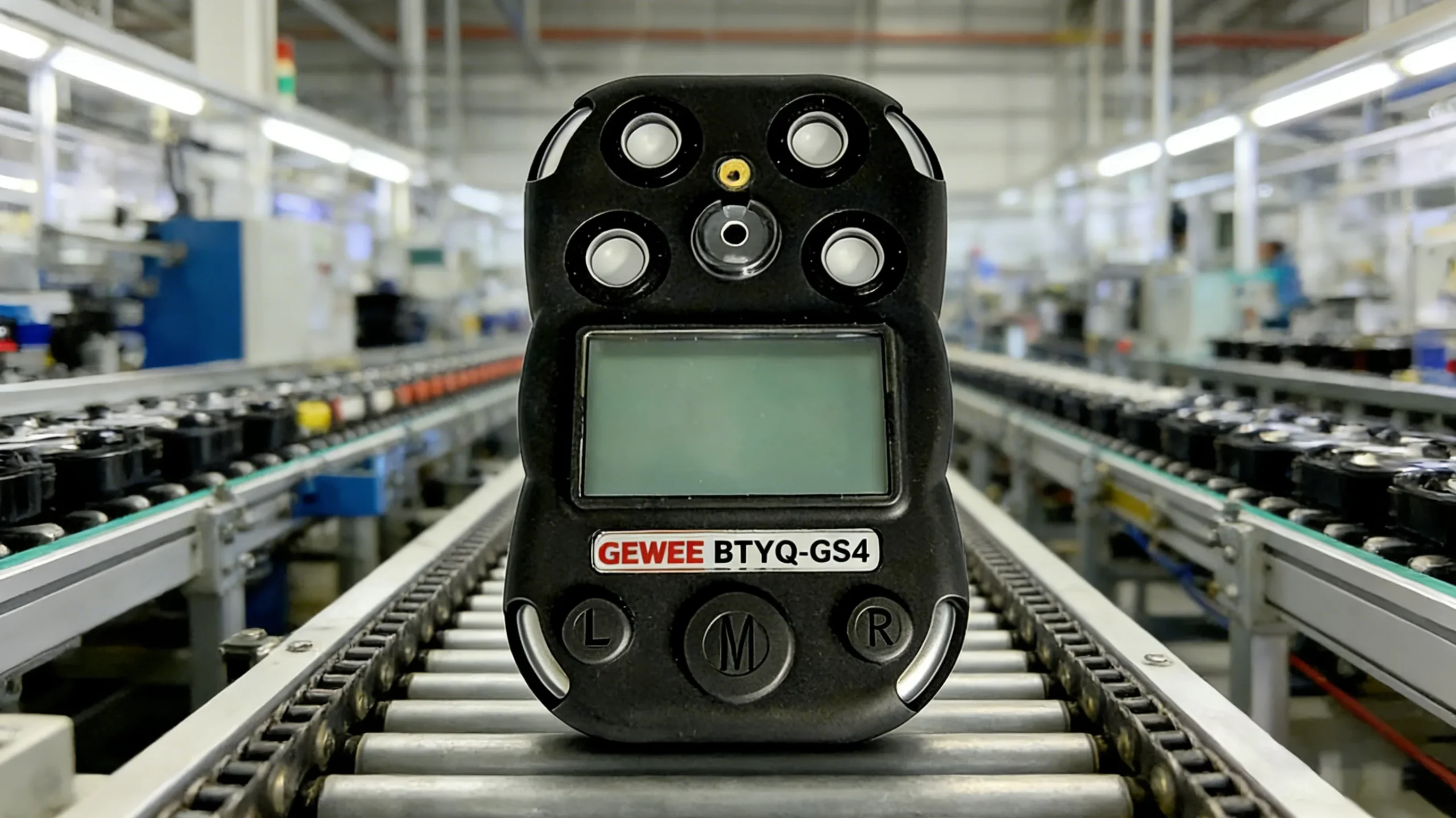
Even if your organization does not require full data logging, you still need clear and reliable monitoring in the field. The BTYQ-GS4 portable gas detector offers a 2.2-inch dot-matrix LCD display for clear readings and supports 1 to 5 gas configurations. It also provides sound, light, and vibration alarms over 95 dB at 30 cm and carries IP67 protection for harsh environments.
Clear readings and strong alarms make on-site decisions faster and create better documentation habits.
Final takeaway
Data logging strengthens safety programs and supports compliance. Build a simple workflow, review logs regularly, and use the data to improve procedures. When your documentation is clean, audits become easier and incidents become less likely.